Guest Payments & Deposits
Part of the guide: Getting direct bookings
Guest payments — Collect payments directly from your guests. Deposits at booking, balance before arrival — all tracked automatically.
Get paid directly — not via an OTA
When guests book through your Airflow booking page or website, you own the payment relationship. No OTA holding your money for weeks. No mysterious “adjustments” to your payout. The guest pays you, and you see it immediately.
How payment collection works
Airflow supports a flexible payment model that matches how hospitality businesses actually operate:
At booking
When a guest completes their booking on your website, they can pay:
- Full amount — the total booking value upfront
- Deposit — a percentage of the total (you configure the deposit percentage in your settings)
Before arrival
If a deposit was collected, the remaining balance is due before check-in. The guest portal shows:
- The amount already paid
- The remaining balance
- The due date (typically 14 days before check-in)
- A “Pay Now” button to complete the payment
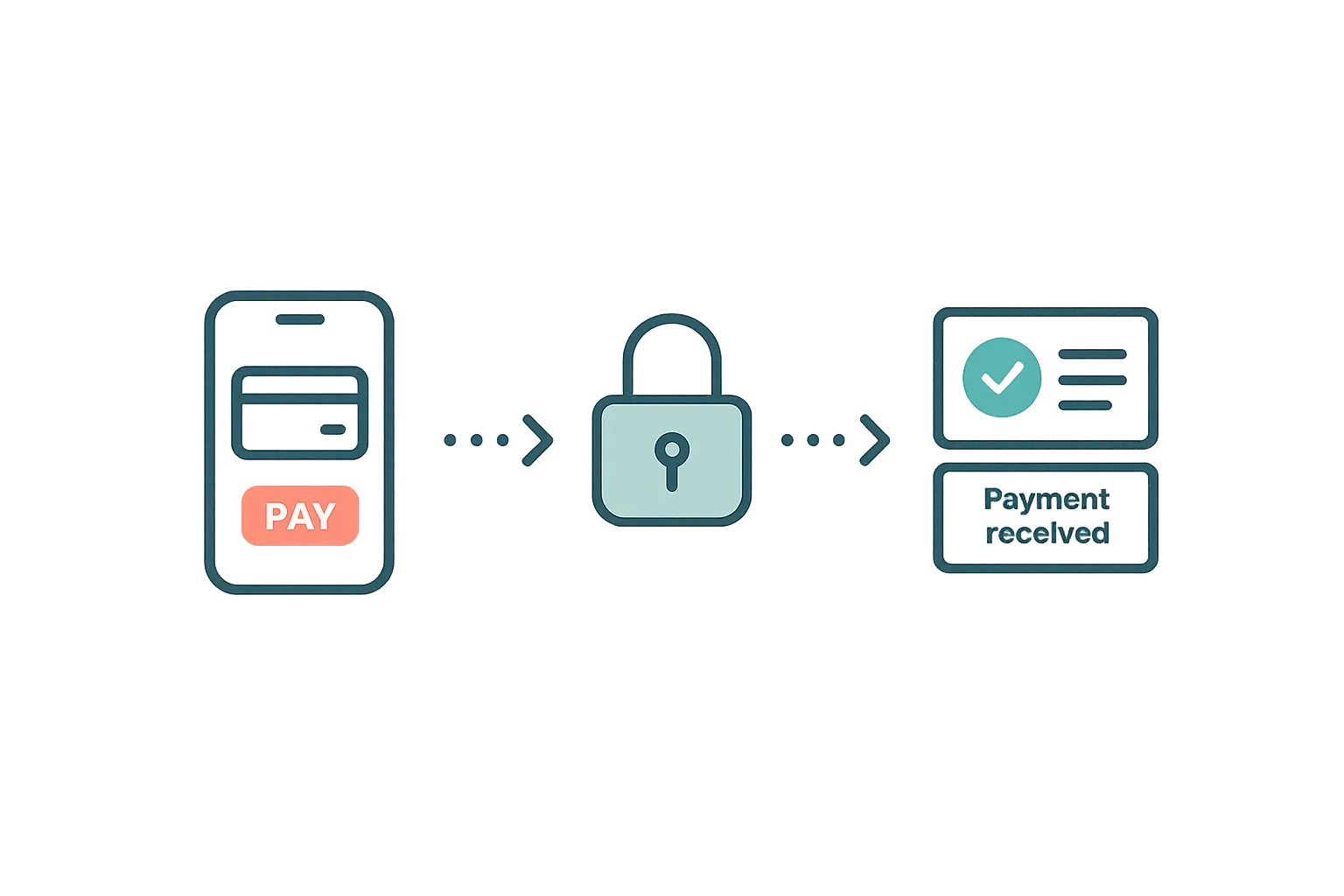
Payment confirmation
When a payment completes — whether at booking or later via the portal — both sides are updated:
- Guest receives a payment receipt and updated booking confirmation
- Host sees the payment reflected on their dashboard with a green indicator
- Booking status updates to “confirmed” (or “fully paid” for balance payments)
- Accounting — if connected, the invoice is updated with payment details
Supported payment methods
You choose which payment methods to offer, based on your market:
Stripe (card payments)
Connect your own Stripe account from the Connections page. Guests pay by card through Stripe’s secure checkout. Funds go directly to your Stripe account — Airflow never holds your money.
Paystack
Popular with East and Southern African hosts. Connect your Paystack merchant account and guests can pay via card or M-Pesa through Paystack’s checkout. You own the merchant relationship — Airflow facilitates, not intermediates.
Manual payment methods
For markets where card payments aren’t the norm, you can display:
- Bank transfer details — your account number and bank name
- M-Pesa — your M-Pesa number with FX conversion to local currency
For manual methods, you mark the payment as received in your portal once funds arrive.
How Airflow earns on direct bookings
Airflow charges a commission only on bookings a guest makes and pays through Airflow. On your booking page, website or embedded booking widget the rate depends on your plan and falls as your plan grows. Bookings that come through the Airflow Stay and Guest marketplace carry a marketplace rate. Current rates are on the pricing page. On Stripe card payments the commission is deducted automatically from that payment as an application fee, so there’s no separate charge. For Paystack, M-Pesa, bank and manual payments it’s billed to your card on file when the payment is recorded. Your payment processor’s own fee (Stripe’s card processing fee, for example) is separate and charged by them on top.
Payment security
All card payments are processed through Stripe or Paystack’s PCI-compliant infrastructure. Airflow never sees or stores card numbers. Guest portal payment links are secure, time-limited, and unique to each booking.
Related help articles
- The Guest Portal Experience — The guest’s self-service hub
- Your Custom Booking Website — Where the booking journey starts
- Automatic Accounting Sync — Payments flow into your accounting
Previous: The Guest Portal Experience Next: Your Connected Ecosystem