Forward bookings to Airflow on WhatsApp
When a booking reaches you as a WhatsApp message, forward it to Airflow's WhatsApp number. The AI reads it, extracts the dates, guest and rate, and adds the booking to your calendar, then replies to confirm or asks you for anything missing. WhatsApp is your assistant: it never messages your guests. This is in beta.
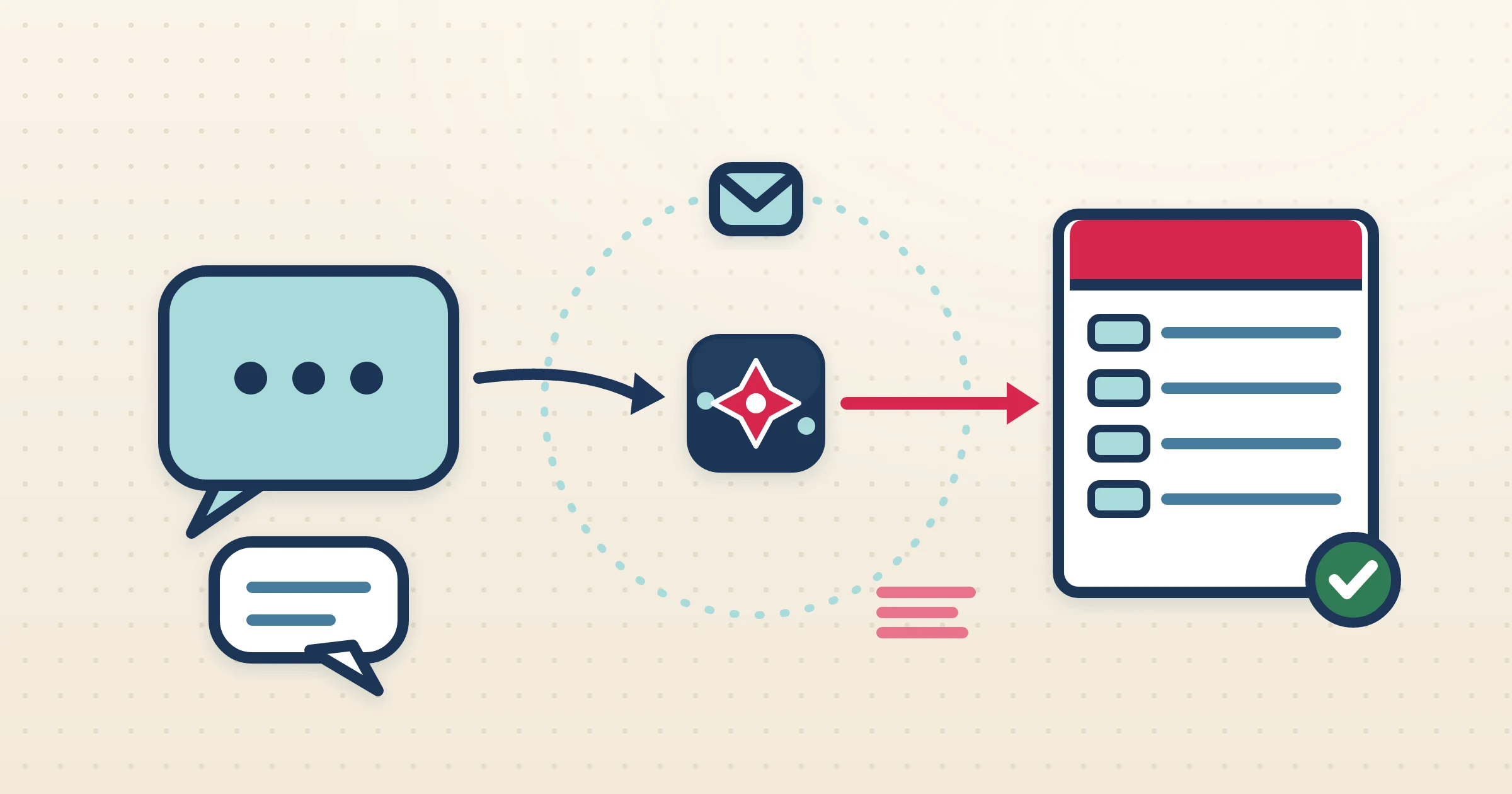
In a lot of markets, the booking does not arrive as a tidy platform email — it arrives as a WhatsApp message. A repeat guest asks for the same dates as last year, an owner messages that their friends are staying next month, an agent sends the details in a few lines of chat. Turning those messages into proper bookings normally means reading them and typing everything into a system by hand. Forward the message to Airflow on WhatsApp instead: the AI reads it, understands the booking inside it, and creates a structured booking for you.
How it works
- 1
Link your number to your listing
Airflow has one WhatsApp number for hosts. Link your own number to a listing once from Connections in your portal: tap the listing and WhatsApp opens with a CONNECT code ready to send. No WhatsApp Business account is needed.
- 2
Forward the booking details
When a guest, owner or agent sends you a booking in plain language — who is staying, which dates, which property, the rate if there is one — forward that message, or a booking confirmation, to Airflow.
- 3
AI reads and extracts the booking
Airflow AI reads the message and pulls out the guest name, dates, nights, property and rate, turning a few lines of chat into a structured booking with the figures separated.
- 4
The booking is added and confirmed back to you
The booking lands on your Airflow calendar and Airflow replies on WhatsApp to say so. If something is missing, such as a date or which listing it is for, it asks you first. If you have an accounting provider connected, the booking can then become a draft invoice for your review, just like a booking from any other source.
Plain WhatsApp messages, turned into real bookings
Nobody has to change how they message you. A guest writes the way they always would, you forward it, and Airflow AI does the interpreting — reading the dates, the property and the rate out of natural language and building a structured booking from it. That booking then behaves like any other in Airflow: it blocks your calendar, joins your bookings list, and can flow on into a draft invoice if you have Xero, QuickBooks Online, Sage or FreshBooks connected.
Your assistant, not a guest channel
WhatsApp in Airflow is for you, the host. You can forward bookings to it and ask about your account. It does not message your guests: guest conversations go by email, threaded per booking, from your own Gmail or Outlook or from Airflow Mail. Reading a forwarded booking and answering a question each use automated tasks; see the pricing page.
Where WhatsApp fits in your pipeline
To be clear about what this is: a forwarded WhatsApp message in, AI extraction, a structured booking out — with an optional draft invoice if accounting is connected. Payment is not taken inside WhatsApp; collecting money still happens through your normal payment flow and guest portal. What it removes is the manual transcription between a chat message and a proper booking record.
From the blog
Guides for this setup

Run Your Bookings From WhatsApp: Forward, Complete, Confirm
Airflow lives on WhatsApp. Forward a booking and it's logged automatically, ask about your income and upcoming guests, change prices, block dates, pause a listing, and add photos to your gallery — all from the chat. No browser required.
Can I run my bookings from WhatsApp? →
Your Booking Confirmation Emails Are a Goldmine You're Ignoring
Every booking confirmation email contains guest details, dates, amounts, fees, and platform data. You're reading them once and filing them. Here's what you should be doing instead.
What can I do with my booking confirmation emails? →
Open an Airflow Account Without Leaving WhatsApp
Message Airflow on WhatsApp and you can sign up, set up your listing from a link to it, set your price and put your booking page live, all in the chat. Here is how it works, step by step, and what it does not do yet.
Can I open an Airflow account on WhatsApp? →Common questions
Is WhatsApp booking live?
It is in beta. Forward a booking to Airflow's WhatsApp number and the AI reads it and adds the booking to your calendar.
Do I connect my own WhatsApp Business number?
No. Airflow has one WhatsApp number for hosts. You link your own WhatsApp number to your listing once, from Connections in your portal.
Can Airflow reply to guests on WhatsApp?
No. Guest messages go by email; WhatsApp is your assistant.
Can guests pay through WhatsApp?
No. Payment is not taken inside WhatsApp. A forwarded message becomes a structured booking, and an optional draft invoice if accounting is connected; collecting money happens through your normal payment flow and guest portal.
Related questions, answered
Forward bookings to Airflow on WhatsApp
Forward the booking messages you already get to Airflow on WhatsApp, and the AI turns each one into a booking on your calendar.
Start with Airflow See plans and pricing