How Booking Extraction Works
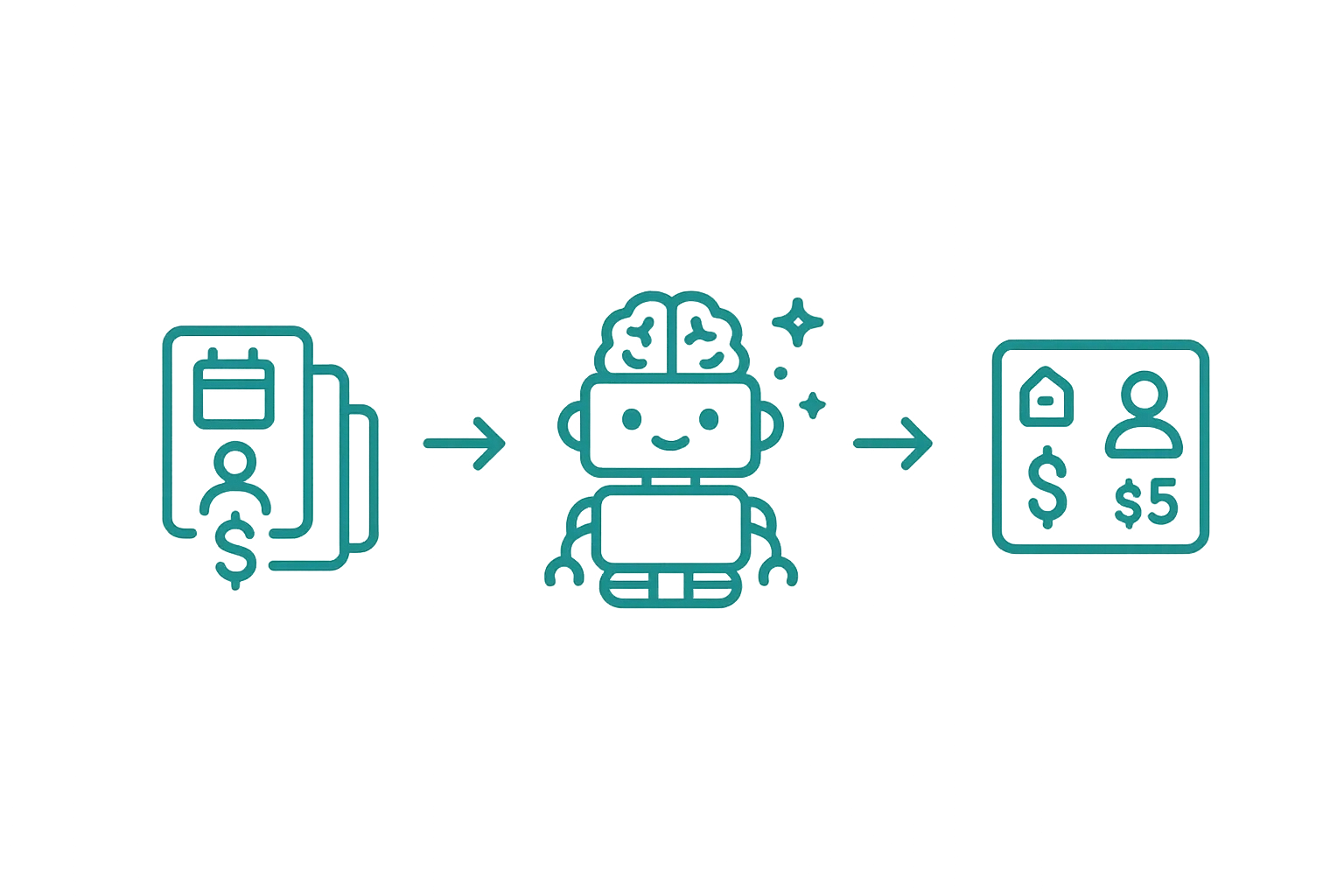
Booking extraction — The engine that turns unstructured emails into clean, actionable booking data.
From messy emails to clean data
Every OTA formats their booking confirmations differently. Airbnb uses one layout, Booking.com another, VRBO another still. Manually copying guest names, dates, and amounts from each email into a spreadsheet or accounting system is tedious and error-prone.
Airflow handles this in seconds.
What gets extracted
When you forward a booking email, Airflow reads it and pulls out the details that matter:
- Guest name — first and last name, used to create or match a guest contact
- Check-in and check-out dates — parsed from any date format
- Number of guests — adults, children where specified
- Nightly rate and total amount — the gross booking value
- Platform fees — Airbnb service fees, Booking.com commission, etc.
- Cleaning fees — separated as their own line item
- Net payout amount — what actually hits your bank account
- Confirmation code — the OTA’s reference number for cross-referencing
- Platform source — which OTA or channel the booking came from
What you get back
Within seconds, a clean booking record appears in your portal — linked to the right property, with the guest, dates, pricing, fees, and confirmation code all in place. No copy-pasting, no spreadsheets.
If the guest has booked with you before, their existing profile is updated rather than duplicated.
Modifications and cancellations
Airflow doesn’t just handle new bookings. When you forward a modification email, it updates the existing booking record with the new dates or pricing. Cancellation emails update the booking status and adjust any related invoices.
When it isn’t a booking
If you forward something that isn’t actually a booking — a marketing email from an OTA, for example — Airflow recognises that and doesn’t create a record (or use an automated task) for it.
One automated task per booking
Each successfully extracted booking uses one automated task from your plan’s allowance (pricing). The task is counted at the point of record creation, not at email receipt. This means:
- Failed extractions don’t use automated tasks
- Non-booking emails don’t use automated tasks
- Duplicate emails (same booking forwarded twice) are detected and don’t use additional tasks
Related help articles
- How Booking Email Forwarding Works — Getting emails into the system
- Automatic Accounting Sync — What happens after extraction
- Getting Started with Airflow — Your first five minutes
Previous: How Booking Email Forwarding Works Next: Automatic Accounting Sync